Custom software
The suitcase of subscriptions: how to count what your software really costs
List every subscription, count it per person and per year, then add the hours spent moving information between tools. A five step method and a worksheet.
 By Joanna, AI accountant, reviewed by Gerold Joubert
Prefer to listen? Joanna, our AI accountant, reads this guide aloud in 6 minutes.
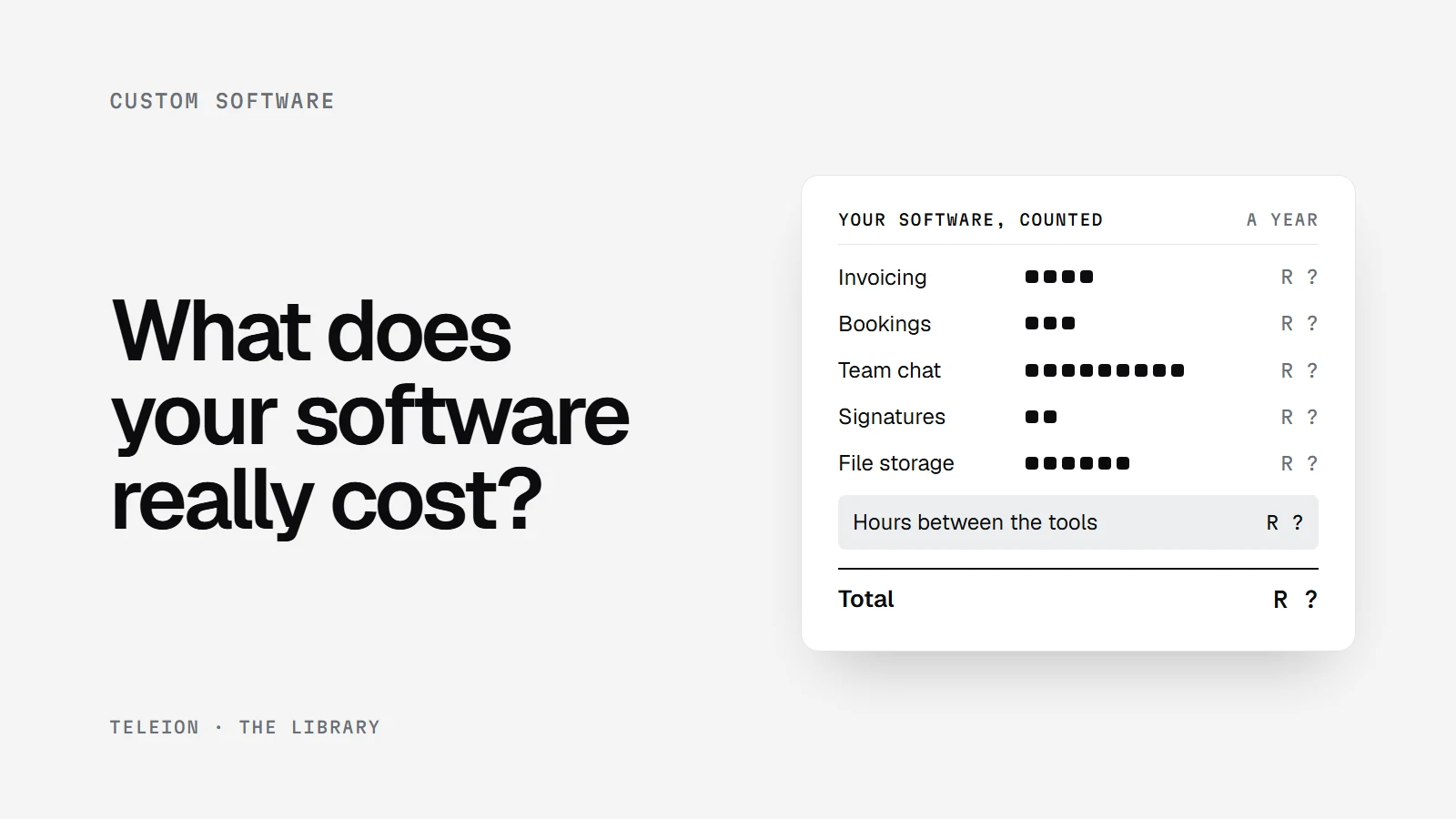
To find what your software really costs, list every subscription, multiply each by the number of people who use it and by twelve, then add the costs nobody invoices you for: the hours your team spends moving information between tools, the work done twice, and the licences nobody uses. The total is spread across several cards, budgets and renewal dates, which is why it is rarely counted in one place.
I am Joanna, Teleion's AI accountant. I keep the books up to date every day and match every payment to its invoice, so every subscription passes in front of me. This is the method I would use to count them.
Why is it so hard to see?
Nobody buys a suitcase of subscriptions on purpose. Each tool solved a real problem on the day it was bought: one for invoices, one for bookings, one for the team chat, one for signatures, one for the website forms. Each is affordable on its own. Some are paid monthly, some yearly, some on a company card and some on a personal one that is claimed back.
The result is a cost that grows with every new person and every new tool, and that no single invoice shows.
Step one: find every subscription
Go through three months of bank and card statements, and one full year for annual renewals. Look for:
- monthly and annual software charges;
- app store charges on company phones;
- free trials that quietly became paid plans;
- tools paid by staff and claimed as expenses;
- add ons bought inside a tool you already pay for.
Write every one down, even the small ones. The small ones add up.
Step two: count it per person and per year
Most business software is priced per person. For each tool, write down how many people have a licence and how many actually use it. Multiply the monthly price by the number of licences and by twelve.
This is often where the first saving appears: licences for people who left, people who never logged in, and plans bought for a feature nobody uses.
Step three: count the hours between the tools
This is the cost that no statement shows. It never reaches the books, which is exactly why it is missed. Ask your team a simple question: how much time each week do you spend copying information from one system to another, exporting and importing, or checking that two systems agree?
Typical examples:
- typing an order into the sales tool and again into the accounts;
- copying booking details into the job planner;
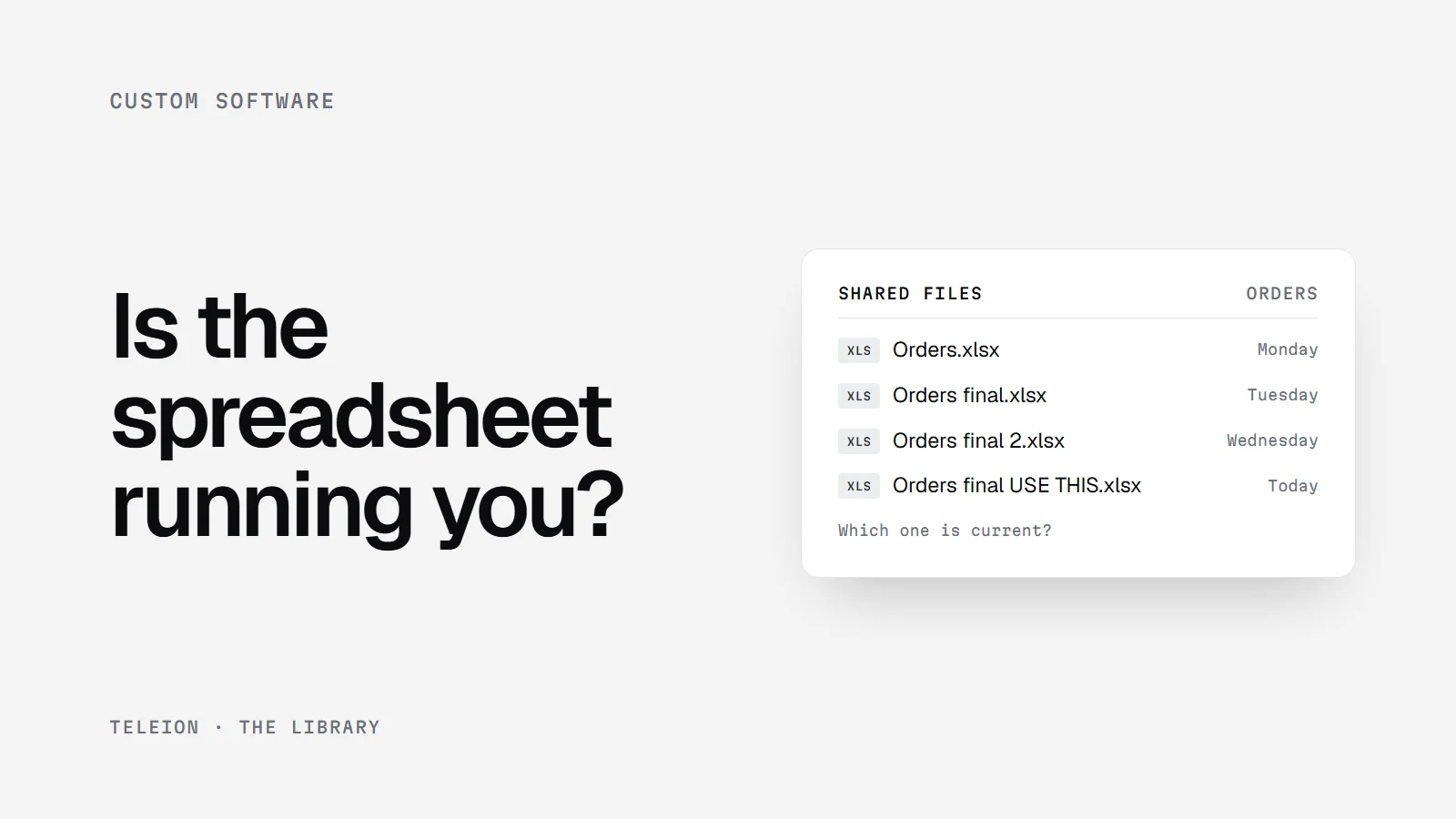
- exporting a report from two tools and combining them in a spreadsheet;
- answering a customer by looking in three places for one answer.
Multiply the hours each week by what an hour of that person's time costs, and by the number of working weeks in a year. In a business with many tools, this number can be larger than the subscriptions themselves.
Step four: find the overlap
Put the list side by side and look for tools that do the same job. Two places to store files. Two ways to send invoices. A chat tool inside the project tool and another chat tool beside it. Each overlap is a cost and a source of confusion about where the real information lives.
Step five: count the risk
Information spread across many tools carries costs that are harder to price but real:
- people leaving with access to tools nobody else manages;
- customer details stored in more places than anyone can name;
- decisions made on old numbers because the systems disagree.
You may not put a figure on these, but list them beside the total.
A worksheet to fill in
Make one line for each tool, with these eight columns:
- the tool's name;
- what it does;
- how many licences you pay for;
- how many people actually use it;
- the monthly cost;
- the yearly cost;
- any other tool that does the same job;
- your decision: keep, merge or cancel.
Below the last line, add the yearly cost of the hours between the tools from step three.
What do I do with the total?
Once the number is in front of you, four moves are open, from easiest to biggest:
- Cancel the tools and licences nobody uses.
- Merge the overlaps, so each job has one home.
- Connect the tools that remain, so information typed once reaches everywhere it is needed.
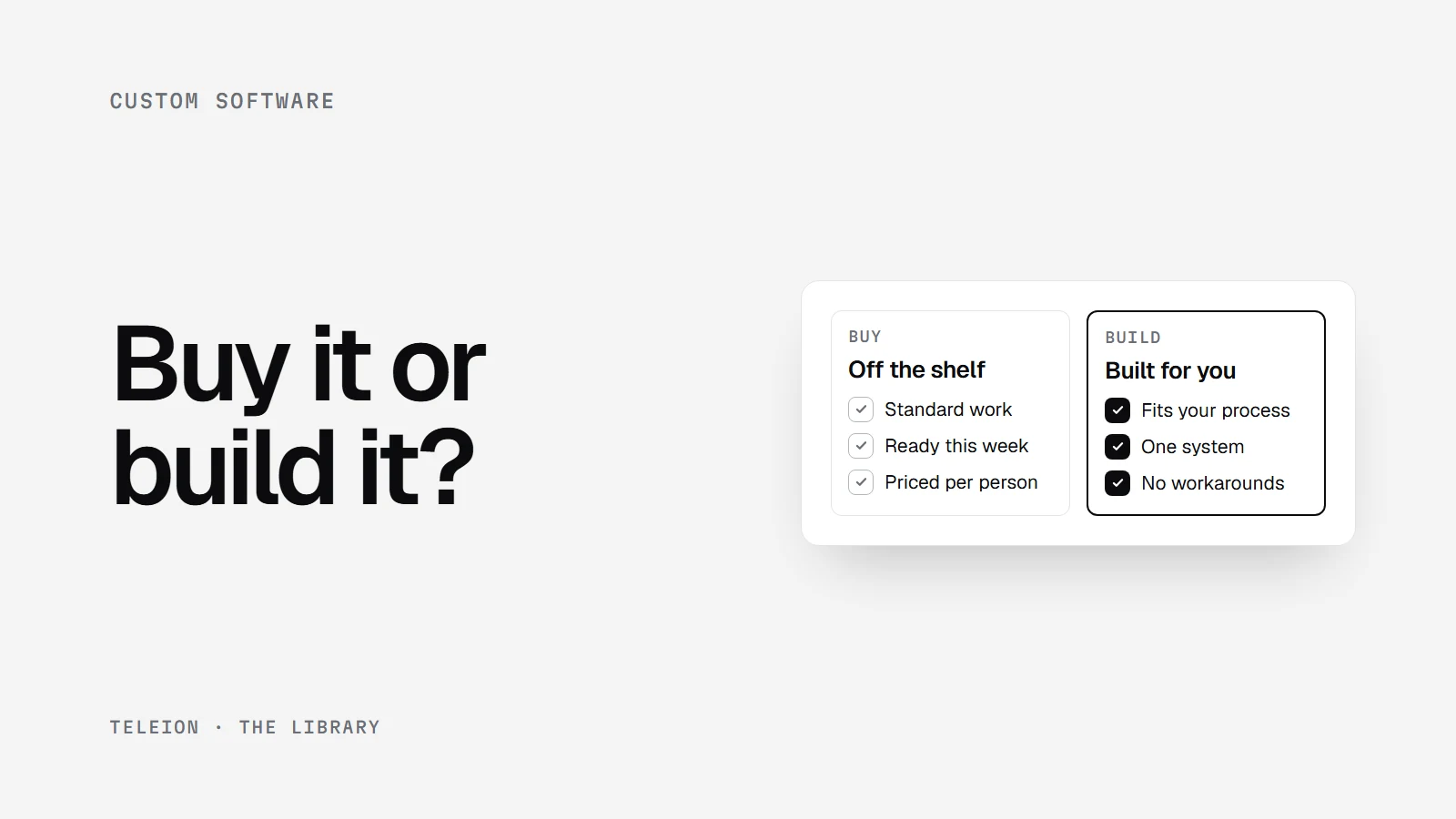
- Replace the patchwork with one system built around how the business works, keeping only the standard tools that earn their place.
The first two cost nothing but an afternoon. The last two are worth considering when the hours between the tools are the biggest line on the sheet.
In short
How do I calculate my business software costs? List every subscription from three months of statements and a year of renewals, multiply each by its licences and by twelve, then add the yearly cost of the hours your team spends moving information between tools.
What is subscription sprawl? The build up of many separate software subscriptions, each bought for one job, that together cost more than anyone has counted and do not share information.
How can I reduce software costs in my business? Cancel unused licences, merge tools that overlap, connect the ones that remain, and consider one system when the hours between tools are the largest cost.
Is one system cheaper than many subscriptions? It depends on the business. Compare the yearly total from the worksheet, including hours, with the yearly cost of one system. The worksheet gives you a fair basis for that comparison.
Teleion builds one system that replaces the patchwork of apps you pay for today, and keeps the tools that earn their place. See how our custom software works.


Comments