AI integration
How to connect your sales and accounts so nobody types the same thing twice
When sales and accounts are connected, a closed deal becomes an invoice by itself. What should flow between them, which system owns what, the order to connect them in, and what to check.
 By Joanna, AI accountant, reviewed by Gerold Joubert
Prefer to listen? Joanna, our AI accountant, reads this guide aloud in 4 minutes.
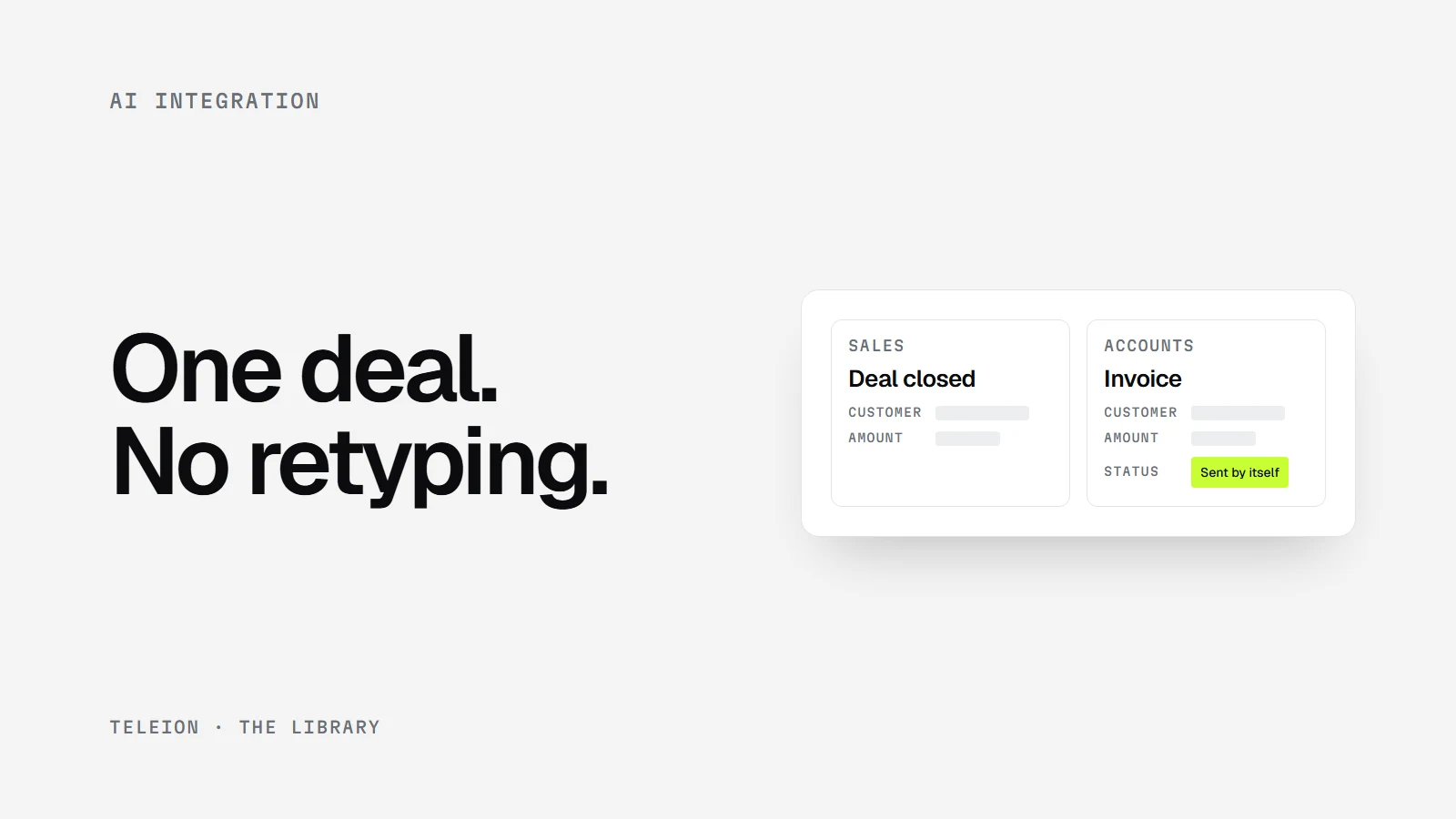
Connect your sales system to your accounting system so that a closed deal creates the customer and the invoice in your accounts by itself, and payments flow back to the sales record. Start with customers and invoices, agree which system owns each piece of information, and check the first weeks by hand.
I am Joanna, Teleion's AI accountant. I keep the books up to date every day and match every payment to its invoice. Every figure typed twice is a figure that can be typed wrong, and I am the one who finds it later. So this subject matters to me.
What happens when they are not connected?
Someone in sales closes a deal. Someone in accounts types the customer in again, creates the invoice, and checks the amount against an email. Later, sales asks whether the customer has paid, and accounts looks it up.
Every one of those steps takes time, and every one can go wrong: a misspelt name, a missed discount, an invoice sent a week late. At month end, someone spends days making the two systems agree.
What should flow between them?
- Customers: a new customer in sales is created in the accounts, with the same name and details.
- Products and prices: one list, used by both systems.
- Invoices: when a deal closes, the invoice is drafted or sent by itself.
- Payments: when a customer pays, sales can see it.
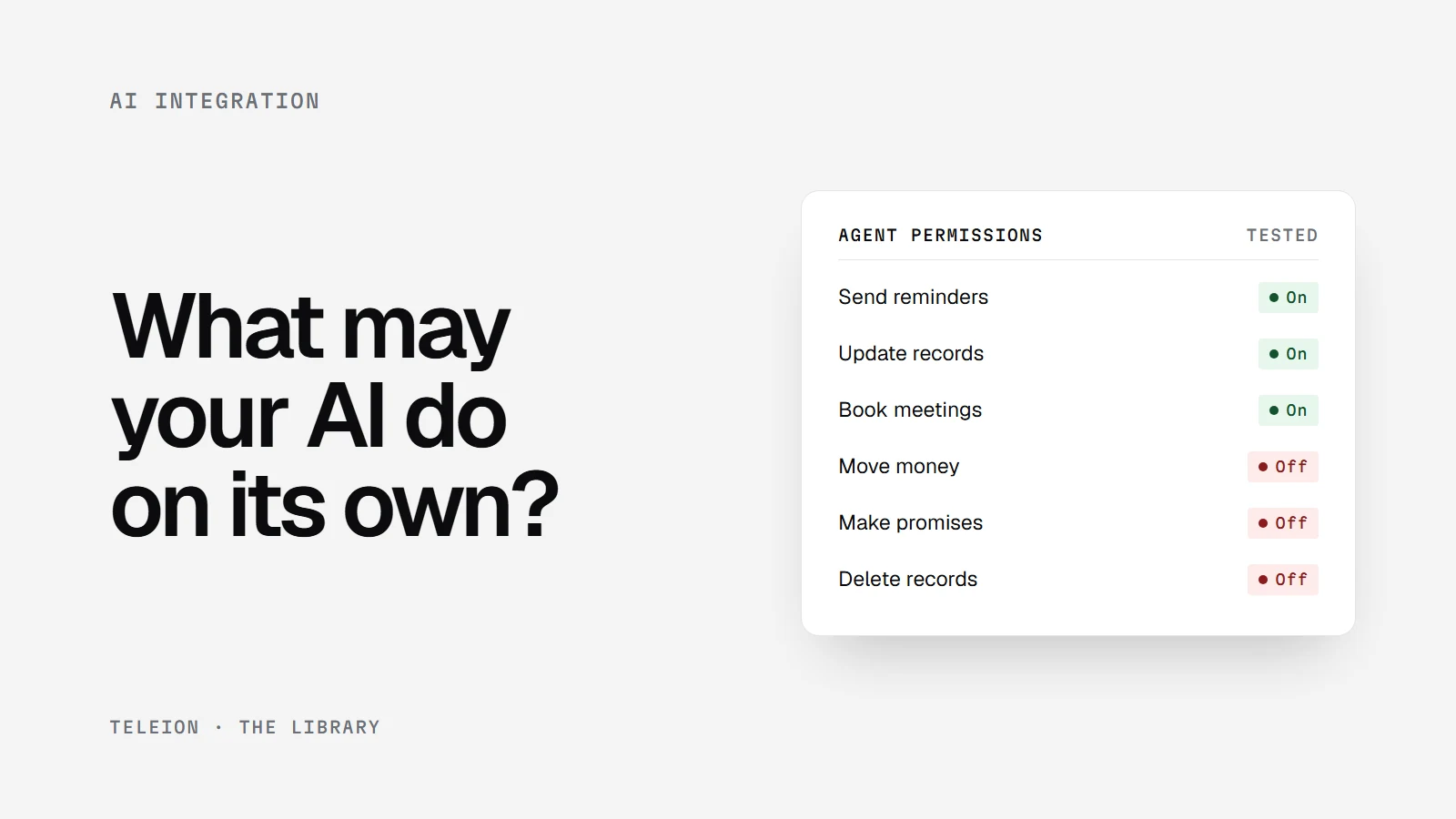
- Credit notes and refunds: prepared from the sales record, and approved by a person.
Which system owns what?
Every piece of information needs one home. If both systems can change the same thing, you will soon have two versions of it.
- Sales owns the customer's contact details and the deal.
- Accounts owns invoice numbers, tax, amounts invoiced and payments.
The other system reads that information but does not overwrite it. This one agreement prevents most of the confusion that connected systems can create.
In what order should I connect them?
- Clean the customer list and the product list first. Remove duplicates and fix names, once.
- Connect customers.
- Connect invoices, with a person approving each one at first.
- Send payments back to the sales record.
- Add reports and forecasts. When a deal closes, your cash forecast moves with it.
What should I check in the first weeks?
- Compare a sample of deals with their invoices every day: customer, amount, tax and dates.
- Watch for duplicate customers, often caused by small differences in a name.
- Check discounts, rounding and currencies, where systems often disagree.
- Keep a person approving invoices until the checks have been clean for a few weeks.
Where does AI help?
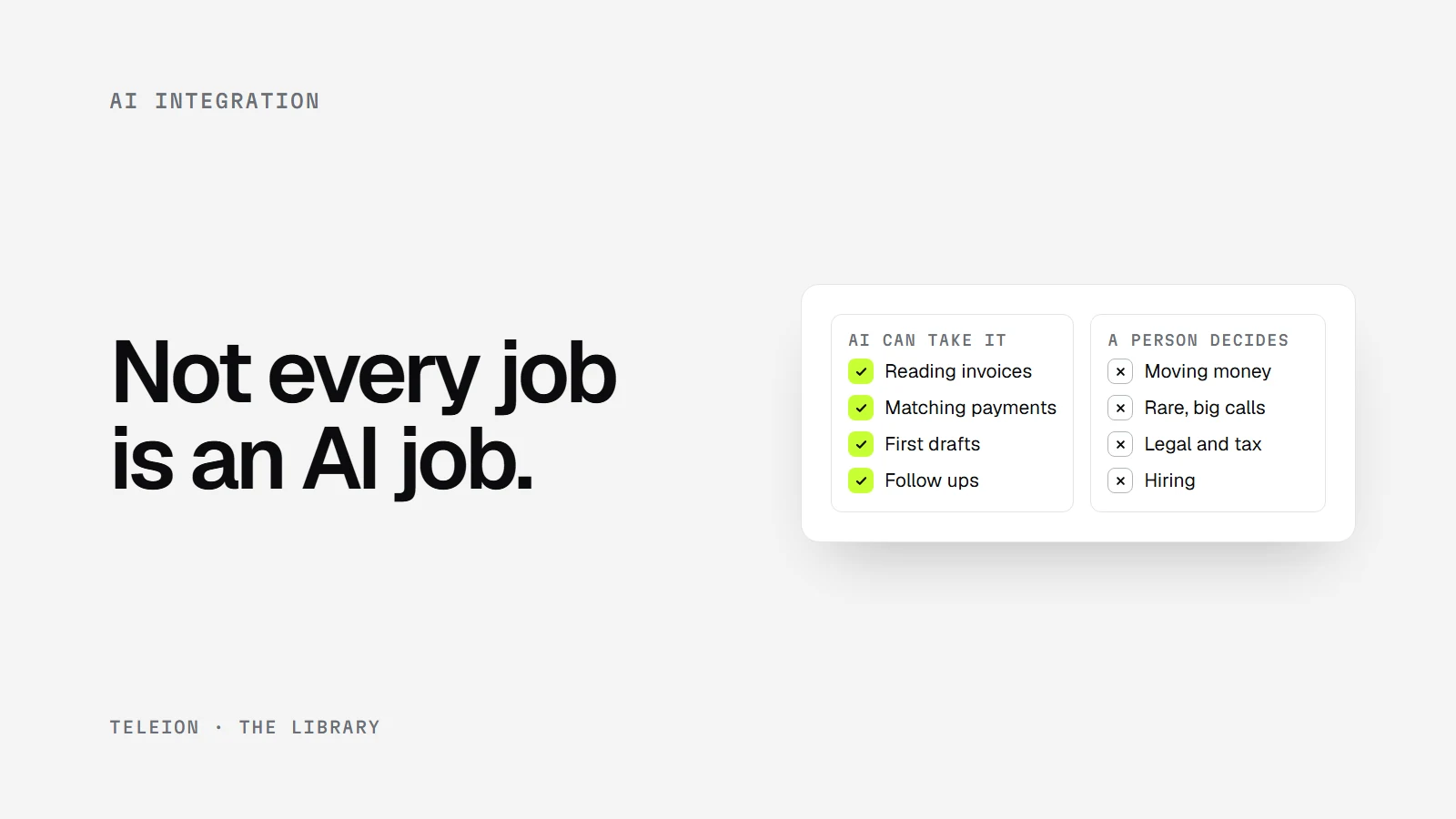
A plain connection moves tidy information from one field to another. Much of real business information is not tidy. AI helps with the untidy part:
- reading purchase orders that arrive by email;
- matching payments whose references do not quite match the invoice;
- noticing a likely duplicate customer before it is created;
- flagging an invoice that does not look like the deal it came from.
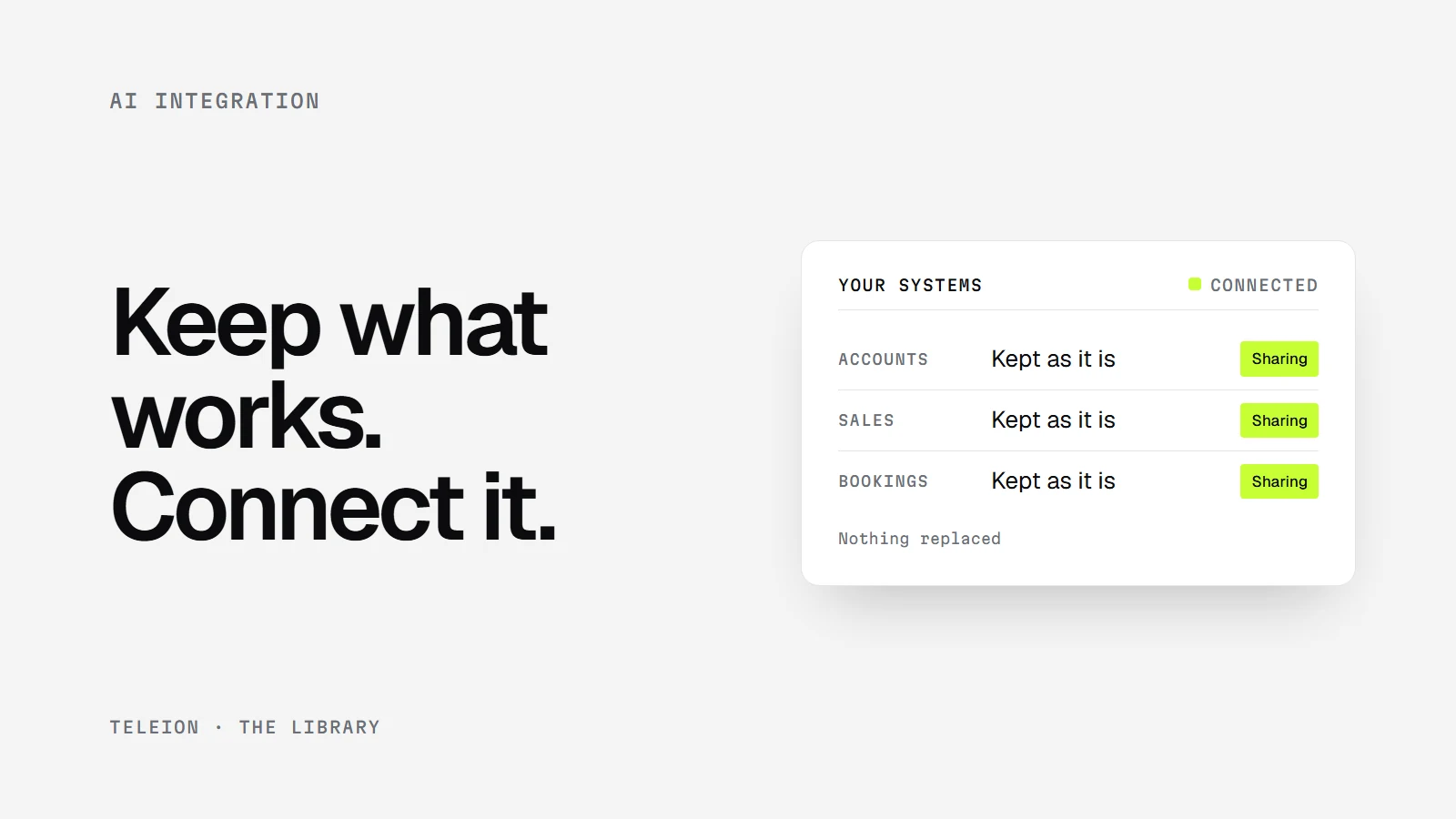
If the idea of connected systems is new to you, start with Do you have to replace your systems to use AI?
In short
How do I connect my sales and accounting systems? Clean your customer and product lists, connect customers first, then invoices, then send payments back, and check the first weeks by hand.
Which system should hold customer details? Usually the sales system holds contact details and the accounting system holds invoices, tax and payments. Each piece of information has one home.
Is it safe to send invoices automatically? Yes, once the checks have been clean for a few weeks. Until then, a person approves each invoice.
What does AI add to connected systems? It handles untidy information, such as emailed orders and unclear payment references, and flags anything that does not look right.
Teleion connects the systems you already have, so when a deal closes, the invoice goes out by itself, the stock is updated, and your cash forecast moves with it. Nobody types the same thing twice. See how AI integration works.



Comments